As a VDR/Portal Hub admin, you have system permissions to remove admin users from your VDR/Portal workspace.
Steps:
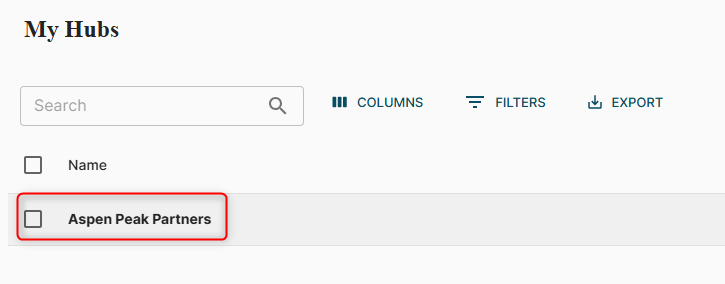
- Once logged into your VDR/Portal, you should see ‘My Hubs’. If you do not see your Hubs, click on the hamburger icon in the top right corner and select ‘My Hubs’.

- Search for or click on the Hub you are an admin of.
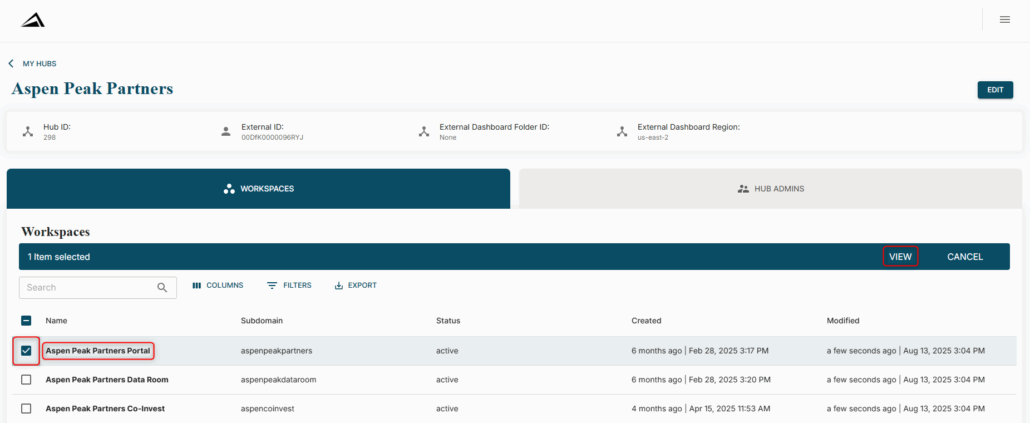
- Locate the Workspace you would like to remove them from, and either click on the name of the Workspace or select the checkbox and ‘VIEW’.
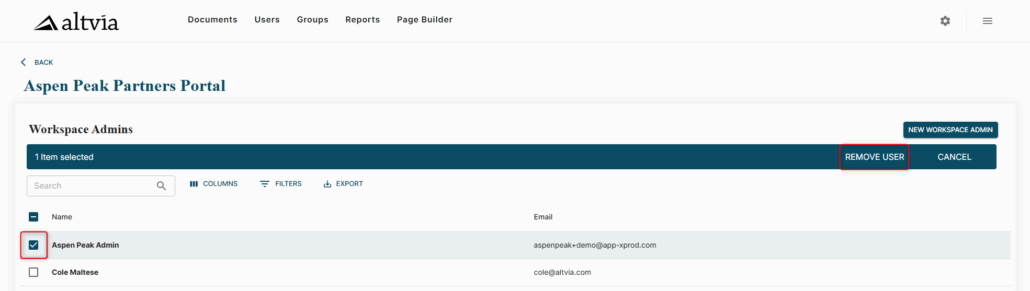
- Select the checkbox next to the user, and click ‘REMOVE USER’. Click ‘OK’ on the pop-up to confirm the removal.
- You should see a confirmation notification in the bottom left corner.

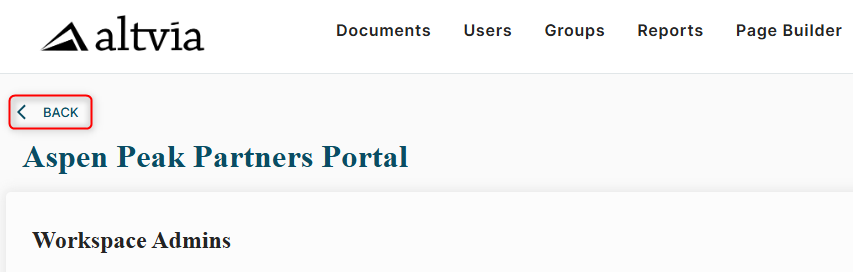
- If they need to be removed from more than one Workspace, click on the ‘back’ arrow in the upper left corner, and repeat the steps in the other Workspace(s).