As a VDR/Portal Hub admin, you have system permissions to remove admin users from your VDR/Portal workspace.
Steps:
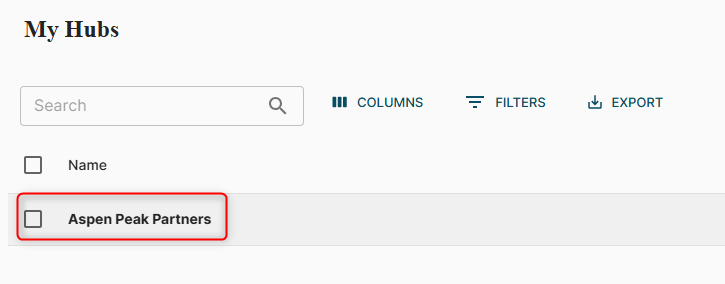
- Once logged into your VDR/Portal, you should see ‘My Hubs’. If you do not see your Hubs, click on the hamburger icon in the top right corner and select ‘My Hubs’.

- Search for or click on the Hub you are an admin of.
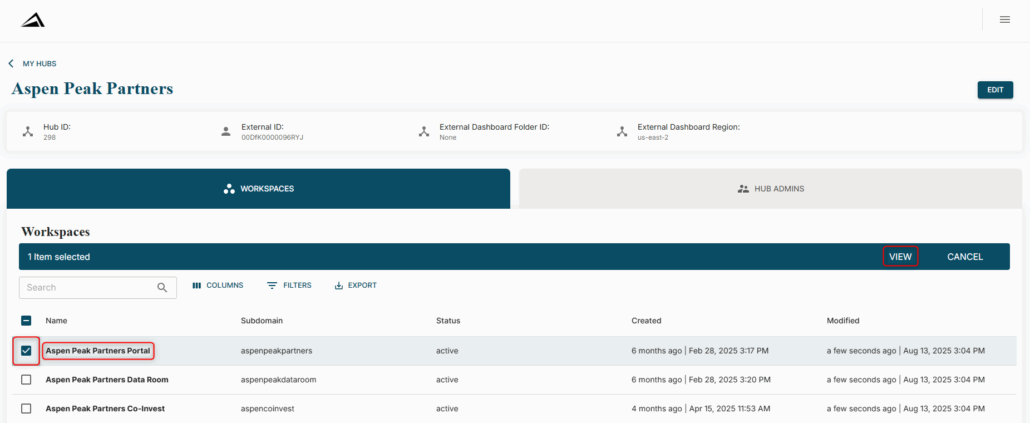
- Locate the Workspace you would like to remove them from, and either click on the name of the Workspace or select the checkbox and ‘VIEW’.
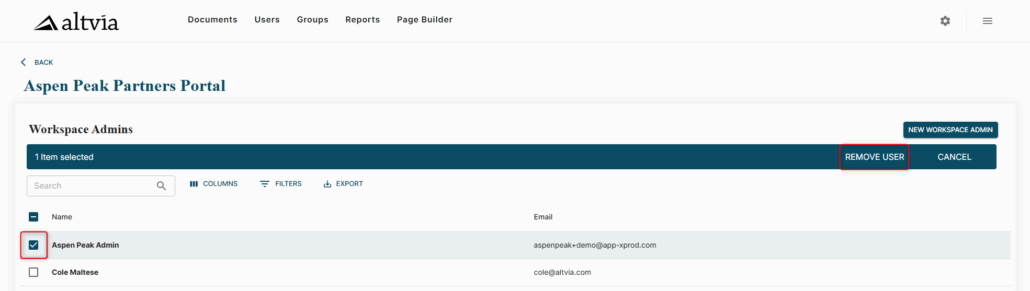
- Select the checkbox next to the user, and click ‘REMOVE USER’. Click ‘OK’ on the pop-up to confirm the removal.
- You should see a confirmation notification in the bottom left corner.

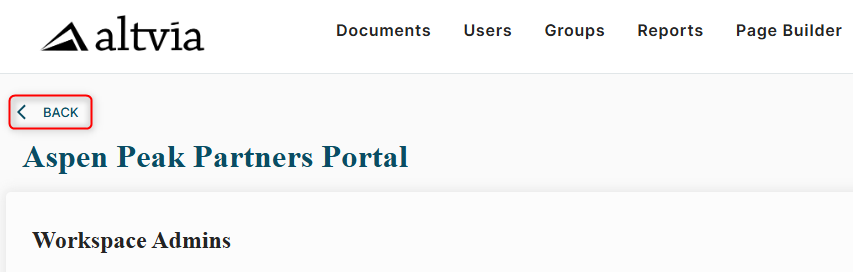
- If they need to be removed from more than one Workspace, click on the ‘back’ arrow in the upper left corner, and repeat the steps in the other Workspace(s).
Was this helpful?
Thanks for your feedback!
